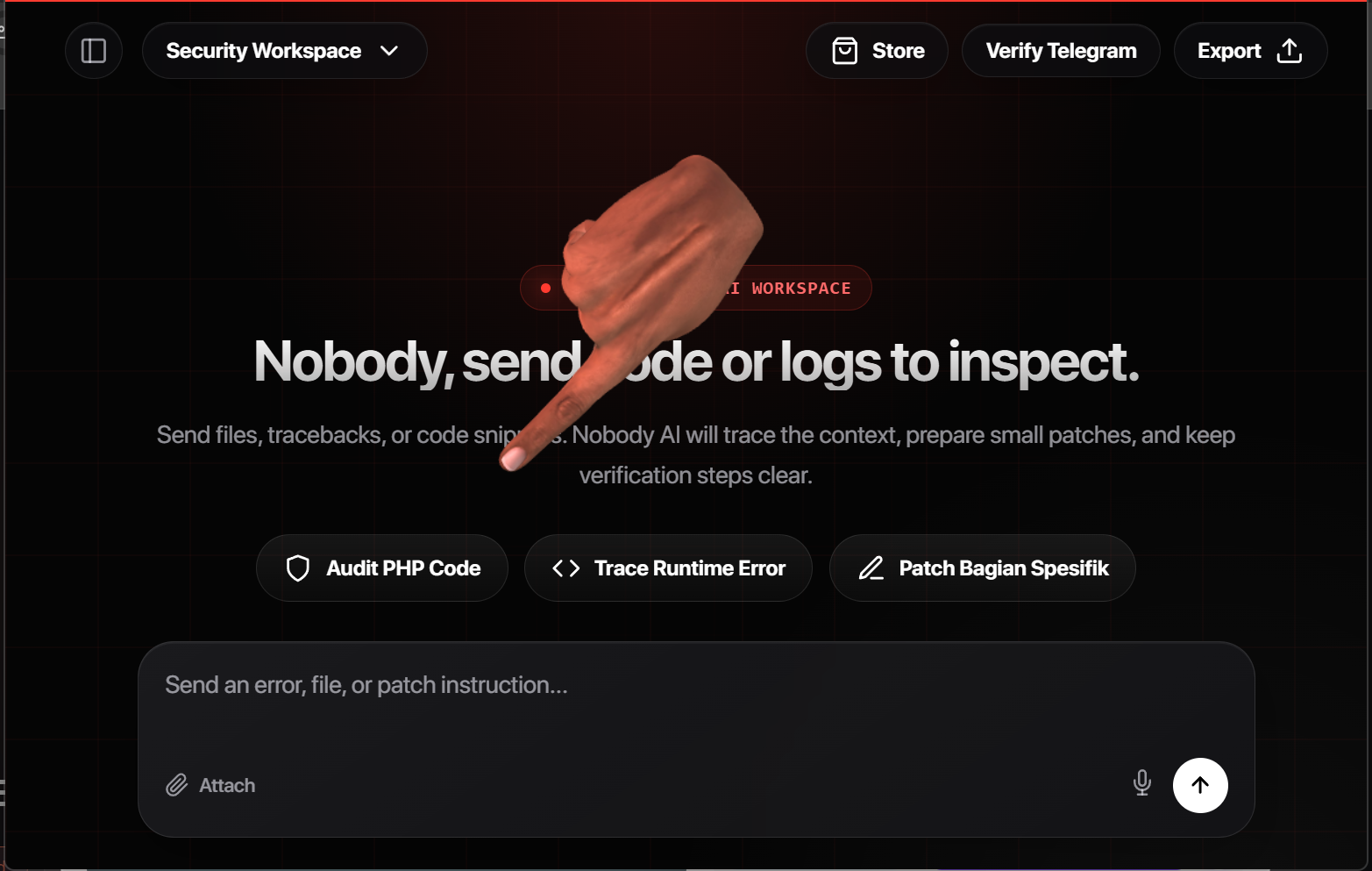
Cloud chat workspace
Chat in the browser with file attachments, streaming answers, and voice. Switch between Security Workspace, Daily Chat, and Security Planner without leaving your session.
Security Workspace mode
In Workspace mode you send code, logs, or tracebacks. Nobody AI streams a structured answer — file names, line numbers, and diffs — not a generic essay.
You: [attaches api.php] Error on line 84 after Telegram verify.
Response: "Make sure your webhook is configured correctly and check your environment variables…"
→ No line reference. No diff. Start over next session.
You: [attaches api.php] Error on line 84 after Telegram verify.
Response: Traces verifyTelegramWebhook() → missing telegram_chat_id gate → patch block for api.php L84.
→ Streamed in chat. History saved in sidebar.
Chat modes
Switch modes from the top bar — each one changes how Nobody AI formats and gates its response.
Send files, tracebacks, or code snippets. Nobody AI reads the context, prepares patches, and keeps verification steps clear — the mode for technical work.
Natural everyday conversation — ideas, writing, planning, or casual talk. Includes voice input and Daily voice call when you want to speak instead of type.
Layer 1 builds a visual artifact plan first — scope, risks, checks. You review and approve before the workspace continues with the full response.
Built into the chat
Sidebar history, mode switcher, attachments, streaming, and voice — all in the browser, no install required.
Need a local desktop IDE? Nobody Code is a separate download — this page is for the cloud chat workspace.
Pricing
Pro removes per-message credit charging and uses a daily response-token fair-use limit. Topup remains available for short credit-based runs without Pro.
Longer chat sessions across all three modes — code audits, daily voice calls, and planner runs without restarting context.
One audit, one planner run, or one long Daily voice session — when a monthly plan isn't needed.
Security Workspace for code and patches, Daily Chat for natural talk and voice, Security Planner for artifact-first planning with approval gate.
Yes — images, PDFs, and code files (.php, .js, .py, etc.) can be sent with your message in the chat input.
In Workspace mode, fewer soft refusals — more structure, code blocks, and file-specific answers.
Blocks throwaway accounts from draining credits while letting verified users generate freely.
No. Topup credits work independently with the same verification rules.
Pakasir follows local packages. Crypto minimum is currently USD 8.33.
Each chat message and streamed response in the cloud workspace — across all three modes.
Request blocked before execution. Top up or start Pro, then continue in the same workspace.